The pivot table feature allows you to reorganize and summarize selected columns and rows of data to create a report within the Grid view.
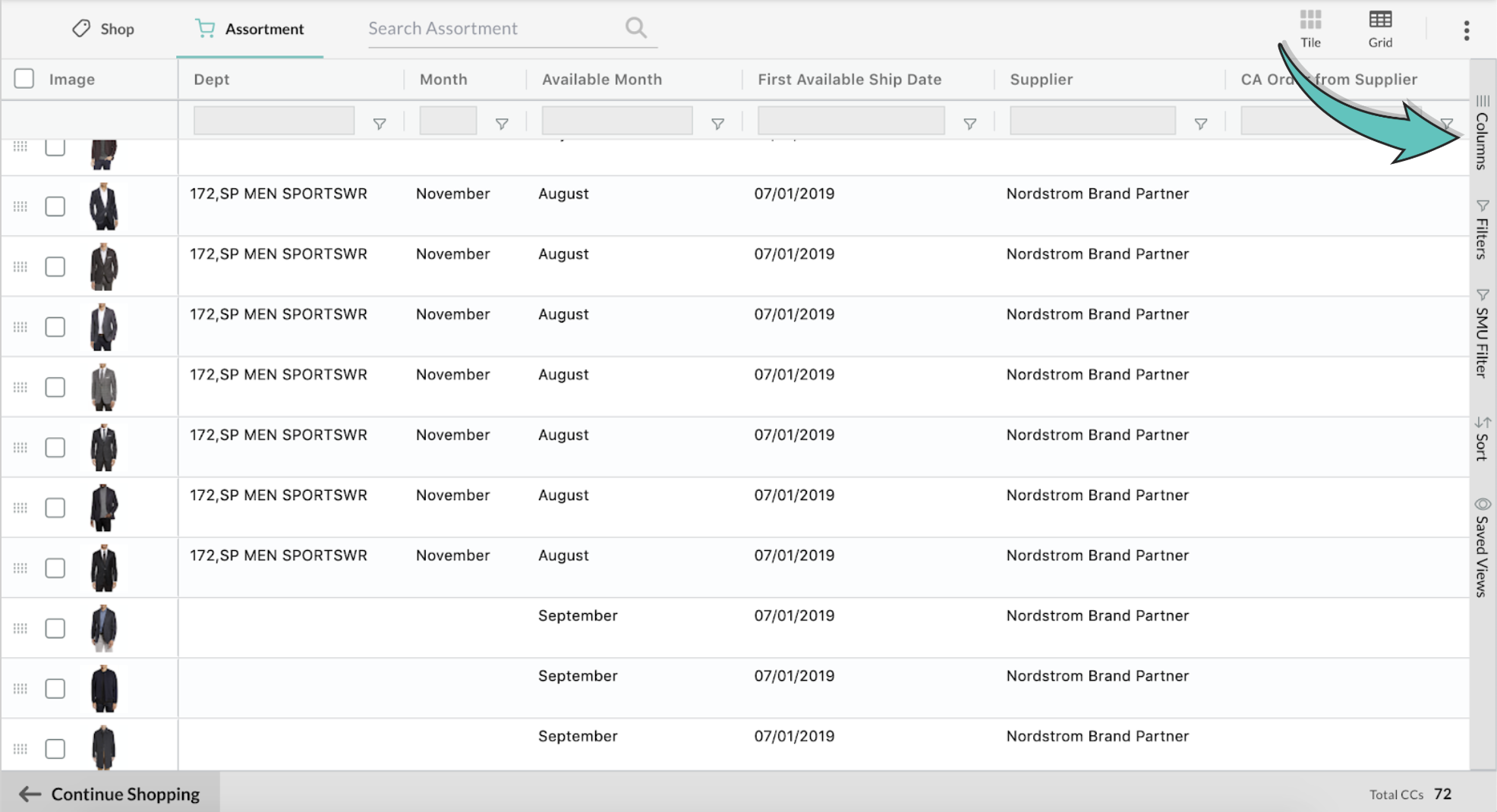
Step 1: The pivot table tool panel can be opened by selecting the 'Columns' panel to the right of the Grid view
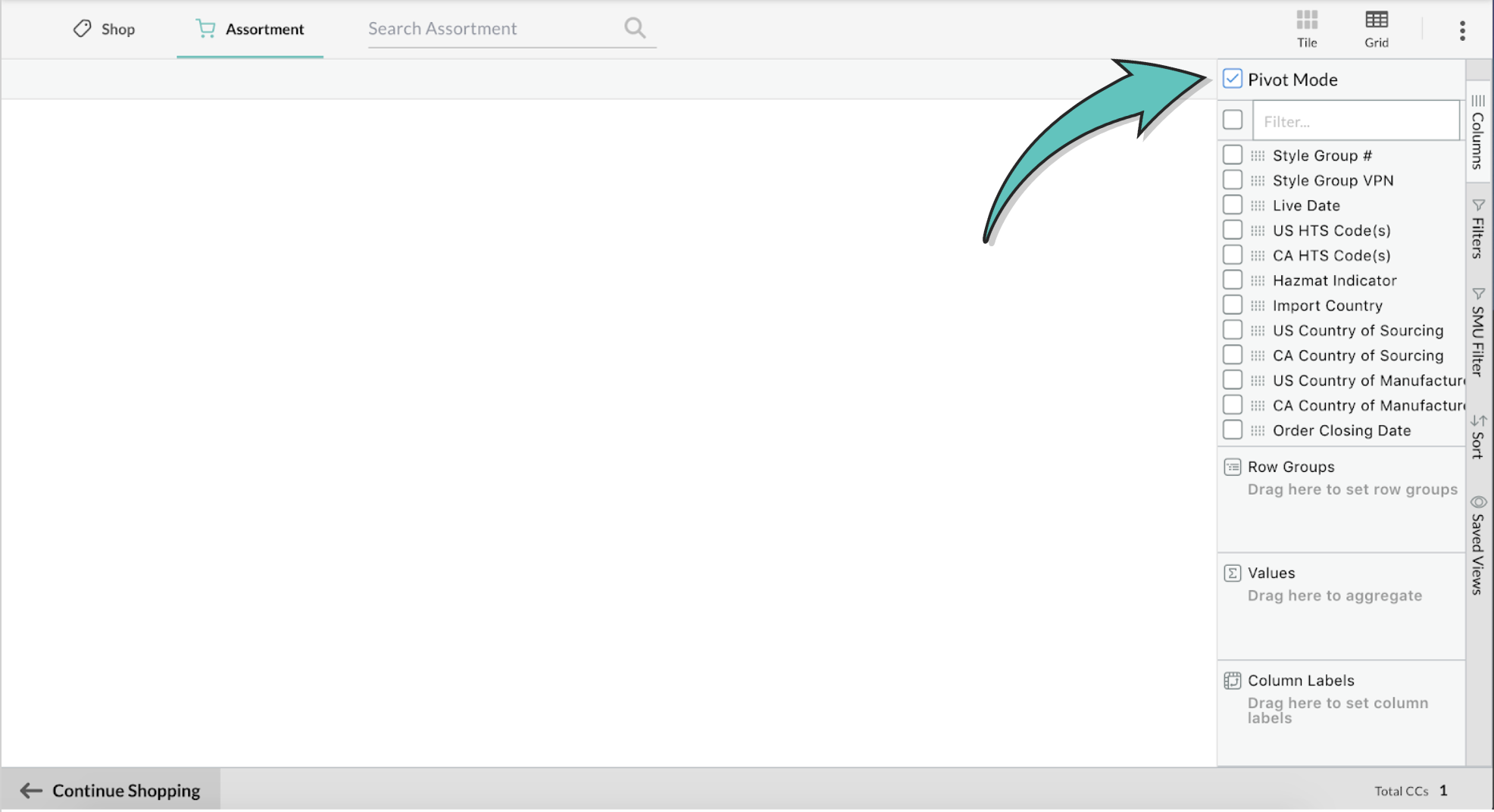
Step 2: Select 'Pivot Mode'
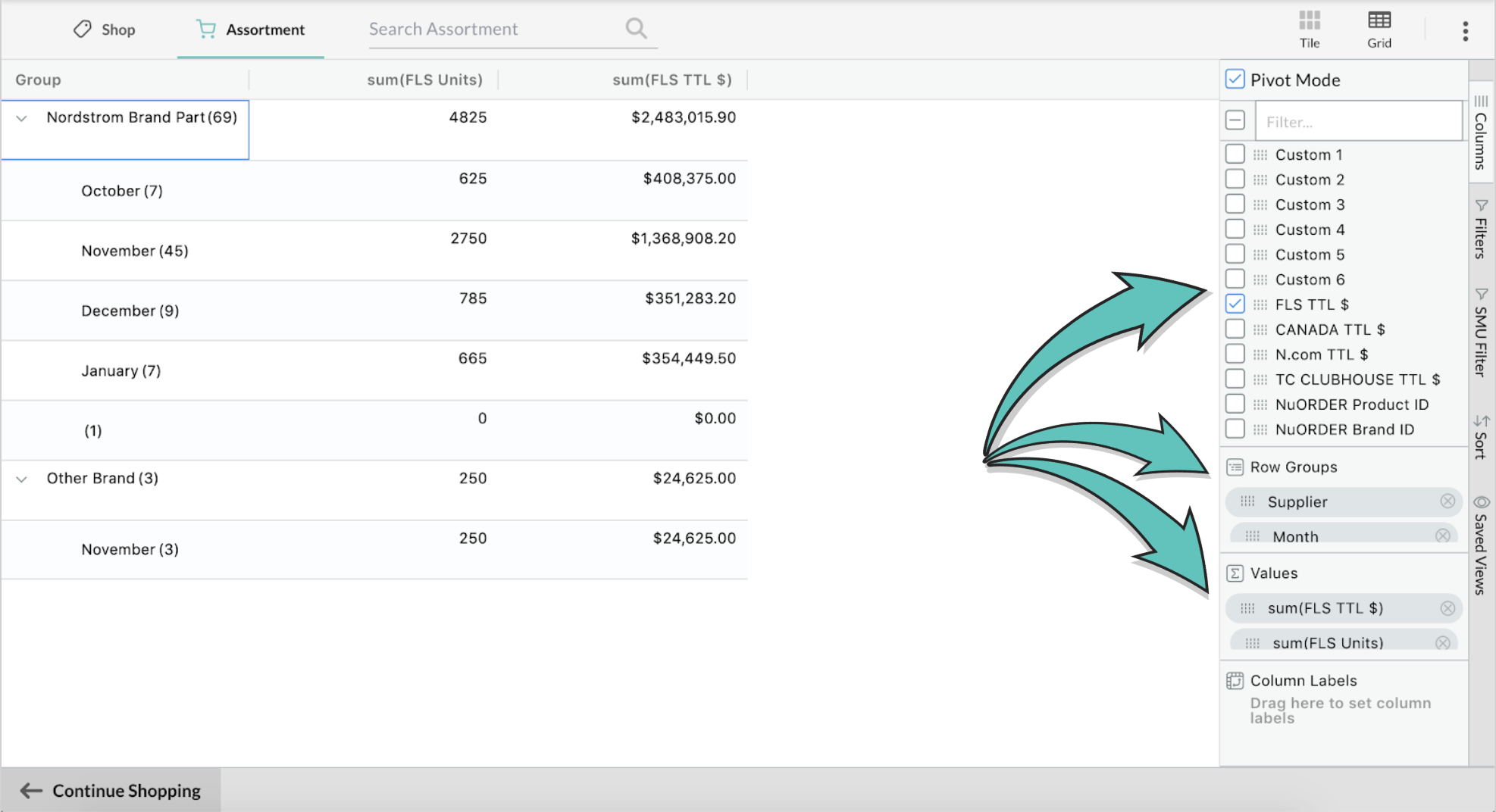
Step 3: Drag and drop the fields you'd like to select as your row groups, values, and/or column labels
Contact nordstrom@nuorder.com with any questions.
Comments
0 comments
Please sign in to leave a comment.